
Support your customers, not your phone system
Route calls by queue, track response times, and keep full conversation history. Your customers get faster answers. Your team stays sane.
Faster resolutions, happier customers
Queue management
Route calls to the right team. Manage wait times. Handle overflow intelligently. No customer left hanging.
Response tracking
Track average response time, missed call rates, and SLA performance. Data to improve your support operation.
Customer context
See full customer history when they call. Previous issues, past conversations, notes from teammates. Context that closes tickets faster.
Built for support volume
Tools that help you scale customer support.
Get customers to the right agent fast
Phone menus, skill-based routing, and time-based rules. Customers reach someone who can help without bouncing between departments.
Learn about call routingHandle high volume gracefully
When all agents are busy, callers wait in queue with estimated wait times. Control queue length and overflow behavior.
Active Queue
Support Line
Sarah Mitchell
(949) 555-0123
James Cooper
(415) 555-0456
Unknown Caller
(212) 555-0789
Track SLAs and performance
Response times, missed calls, call duration, and agent activity. Dashboard metrics that help you improve.
Learn about analyticsCall Volume
This week vs last week
285
Total calls
92%
Answered
2:34
Avg duration
Categorize and track issues
Tag calls by issue type, severity, or outcome. Filter analytics by tag. Spot trends in customer issues.
Conversation Tags
Sarah Mitchell • (949) 232-2121
Hand off without losing context
Brief the next agent before transferring. Customer doesn't have to repeat themselves. Notes and history go with the call.
Transfer Call
Sarah Mitchell • 3:24
Warm transfer
Stay on line to introduce
Never lose track of what was said
Every support call is recorded and transcribed. Search for keywords, review resolutions, and train new agents on real conversations.
Learn about AI transcription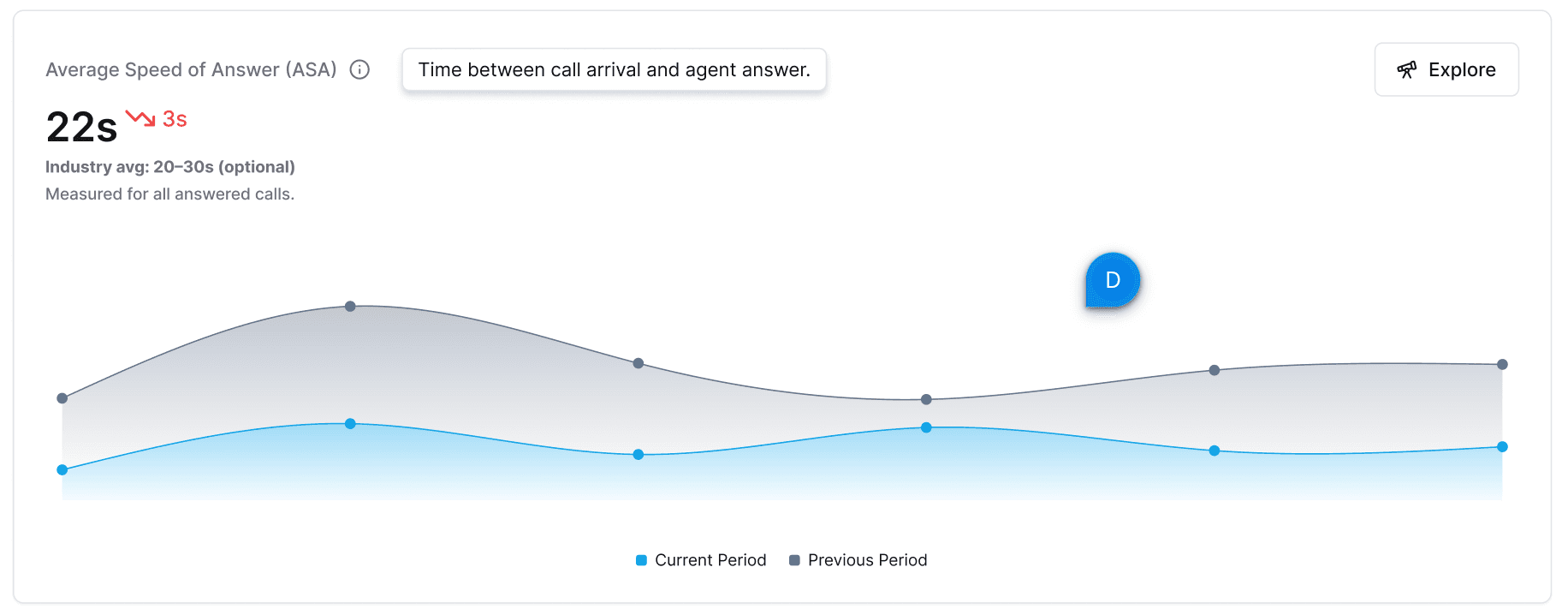
Support teams that scaled with Phone2
"We went from 3 support reps to 15 without changing our phone system. Phone2's queues and routing scaled with us. Our average hold time actually went down."
Michael Huang
Support Director, CloudServe Platform
"The customer history feature is incredible. When someone calls, I know exactly what issues they've had before. Customers are amazed we remember their situation."
Rachel Davis
Customer Success Lead, FinTech Solutions
Trusted by 3,000+ support teams








Frequently asked questions
Everything you need to know about Phone2 for support teams.
When call volume exceeds your team capacity, callers wait in a queue with hold music or a custom message. You control queue size, wait time limits, and overflow behavior.
Yes. Use phone menus (IVR) to let callers choose their issue type, then route to the right team. Route by time, by caller ID, or by custom rules you define.
Phone2 analytics show average response time, missed call rates, call duration, and team activity. Track SLAs and identify where to improve.
Yes. When a call comes in, agents see the full conversation history—previous calls, texts, voicemails, and notes. No more asking customers to repeat themselves.
Phone2 integrates with major helpdesks and CRMs via Zapier. Log calls to tickets automatically. Direct integrations with Zendesk, Freshdesk, and Intercom are on our roadmap.
Configure different routing for business hours vs. after hours. Send calls to voicemail, play an informational message, or forward to an on-call number.
Yes. Create separate numbers for different products, regions, or issue types. Each can have its own routing rules, team members, and analytics.
Give your customers better support
Get a support phone system that scales with your team. Set up in minutes.
No credit card required. Free 7-day trial.